Permissions on Android 15 Devices
View content for :
Product:

Permissions on Android 15 Devices

Android 15 applies additional restrictions on apps installed from Android file storage or side-loaded. Users must grant the Display Over App permission to enable Zebra Workcloud Communication apps to function properly.
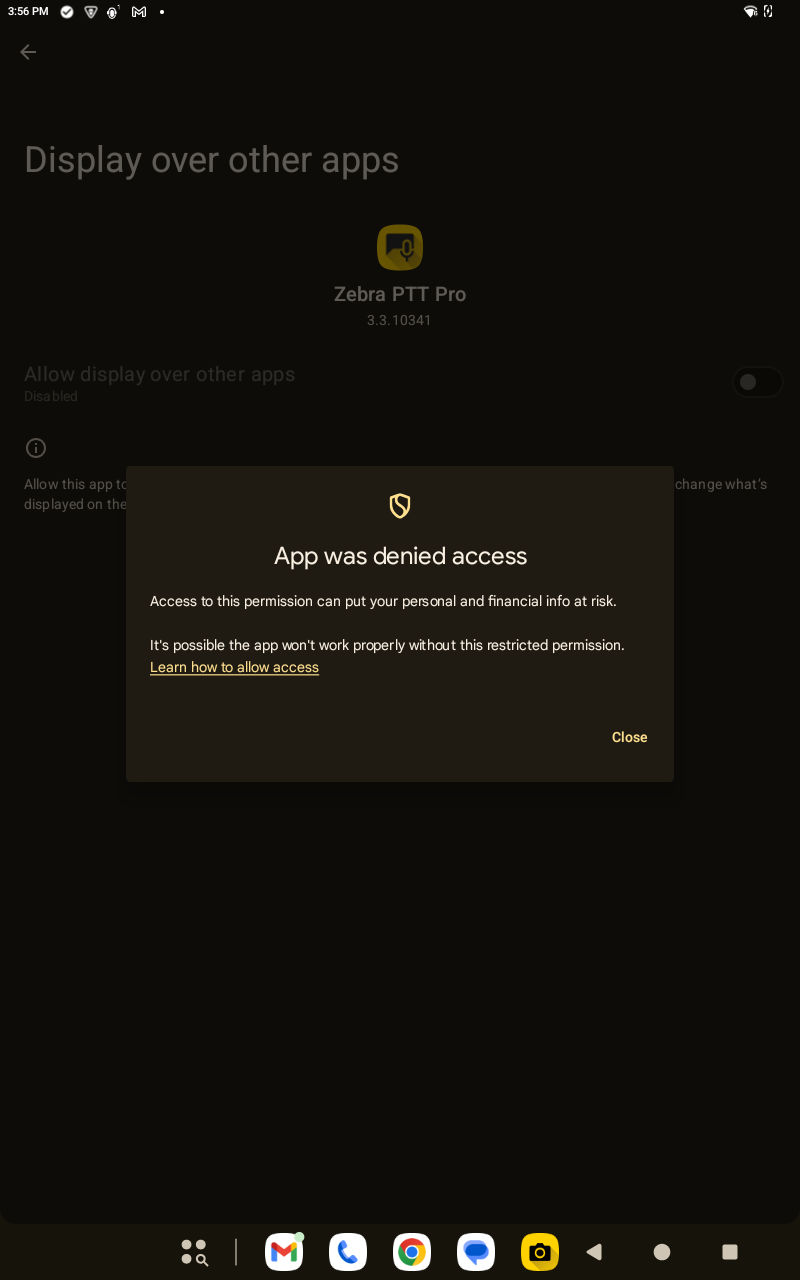
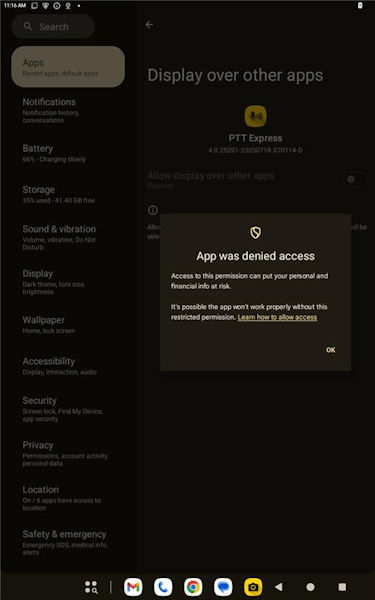
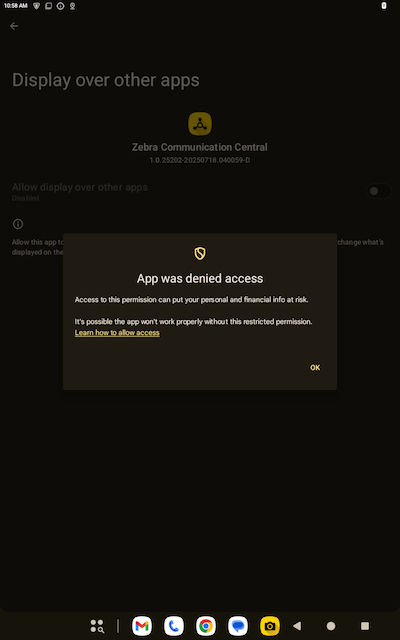
  1. A device running Android 15 displays an error when a user tries to enable the Display over other apps.
    Display over other apps results in an error for sideloaded app in Android 15.
    Display over other apps results in an error for sideloaded app in Android 15
    Android 15 denices access to display over other apps.
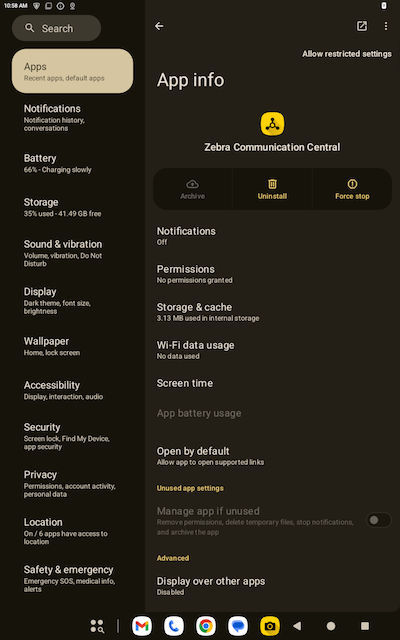
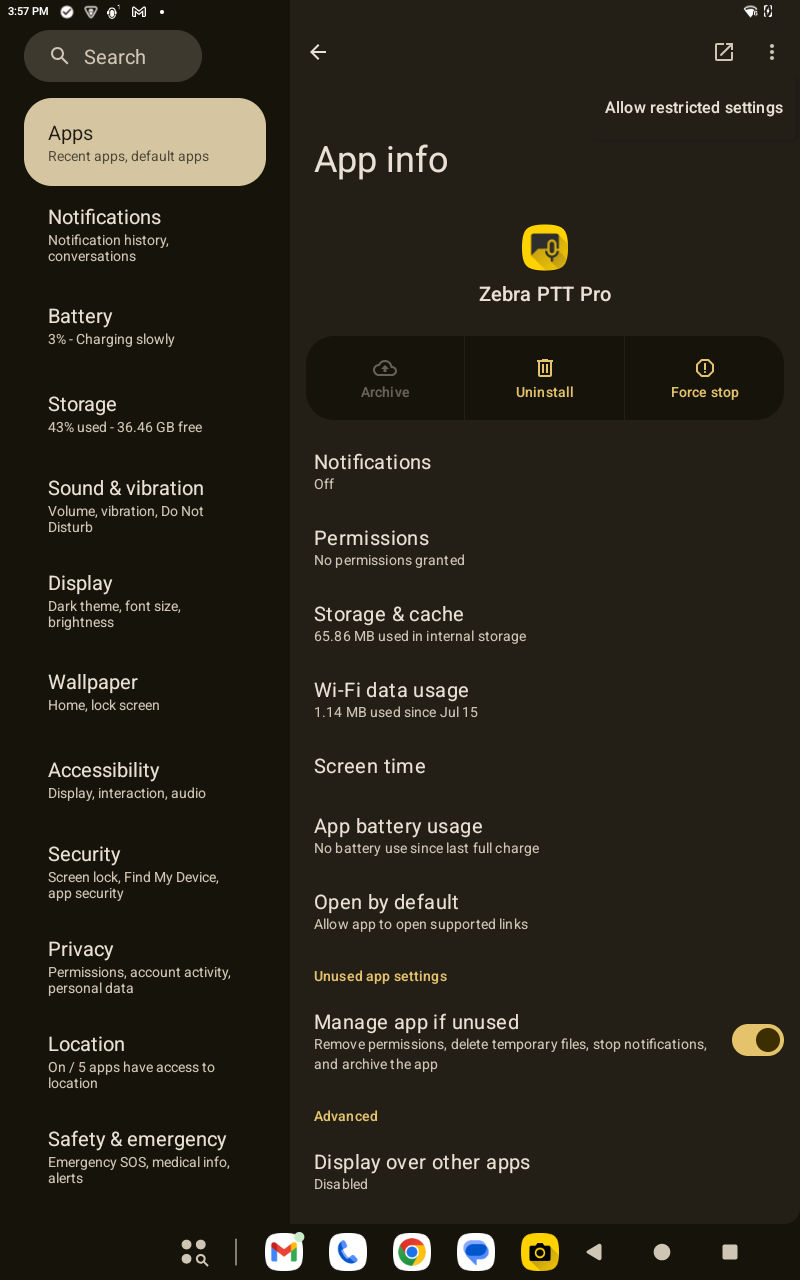
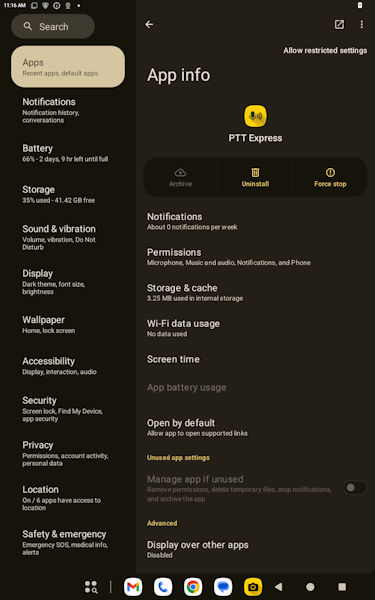
  2. Open the
    App info
    , select the three dots, and allow the restricted settings.
    Navigate to the App info to enable restricted settings.
    Navigate to the App info to enable restricted settings.
    Open the app info to grant access.
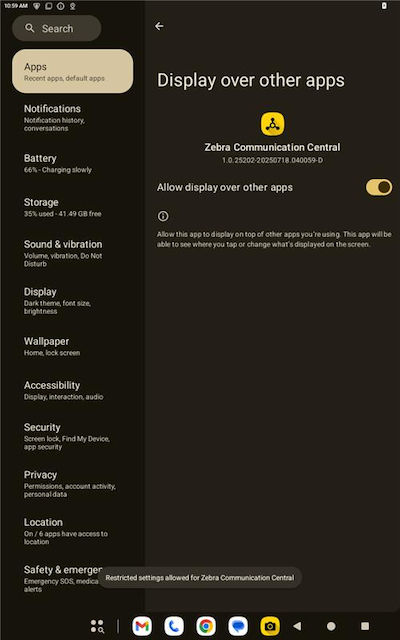
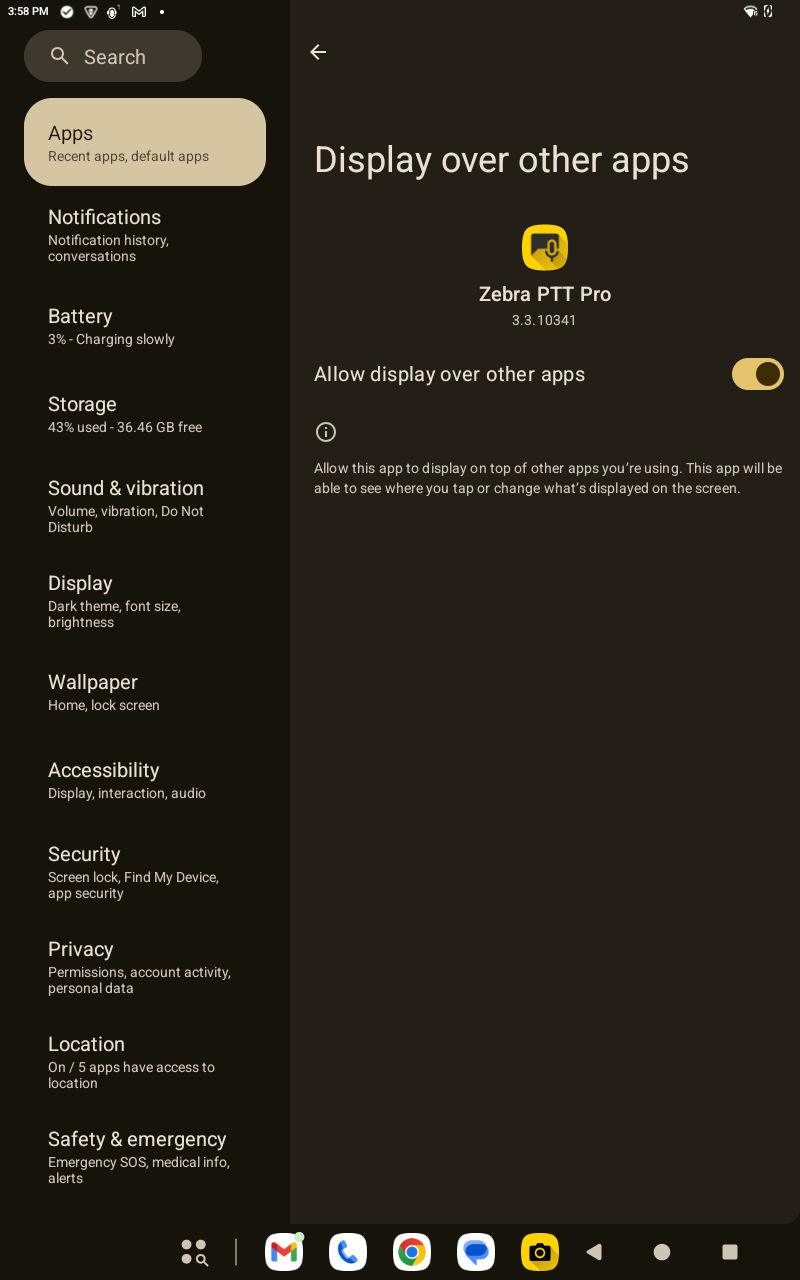
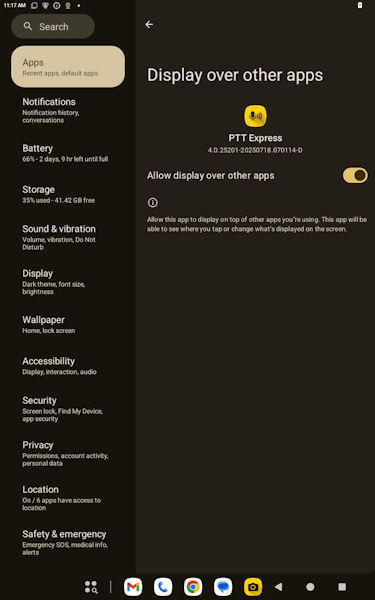
  3. Enable
    Allow display over other apps
    .
    Enable Display over other apps after removing the restriction.
    Enable Display over other apps after removing the restriction.
    Enable display over other apps.