PTT Pro for iOS handles incoming PTT calls differently when the blue pill is disabled on iOS 26 .
Prerequisite
iOS 26 and later version
Zebra PTT Pro iOS 11134+
The following conditions under which the call is received are explained with example screenshots.
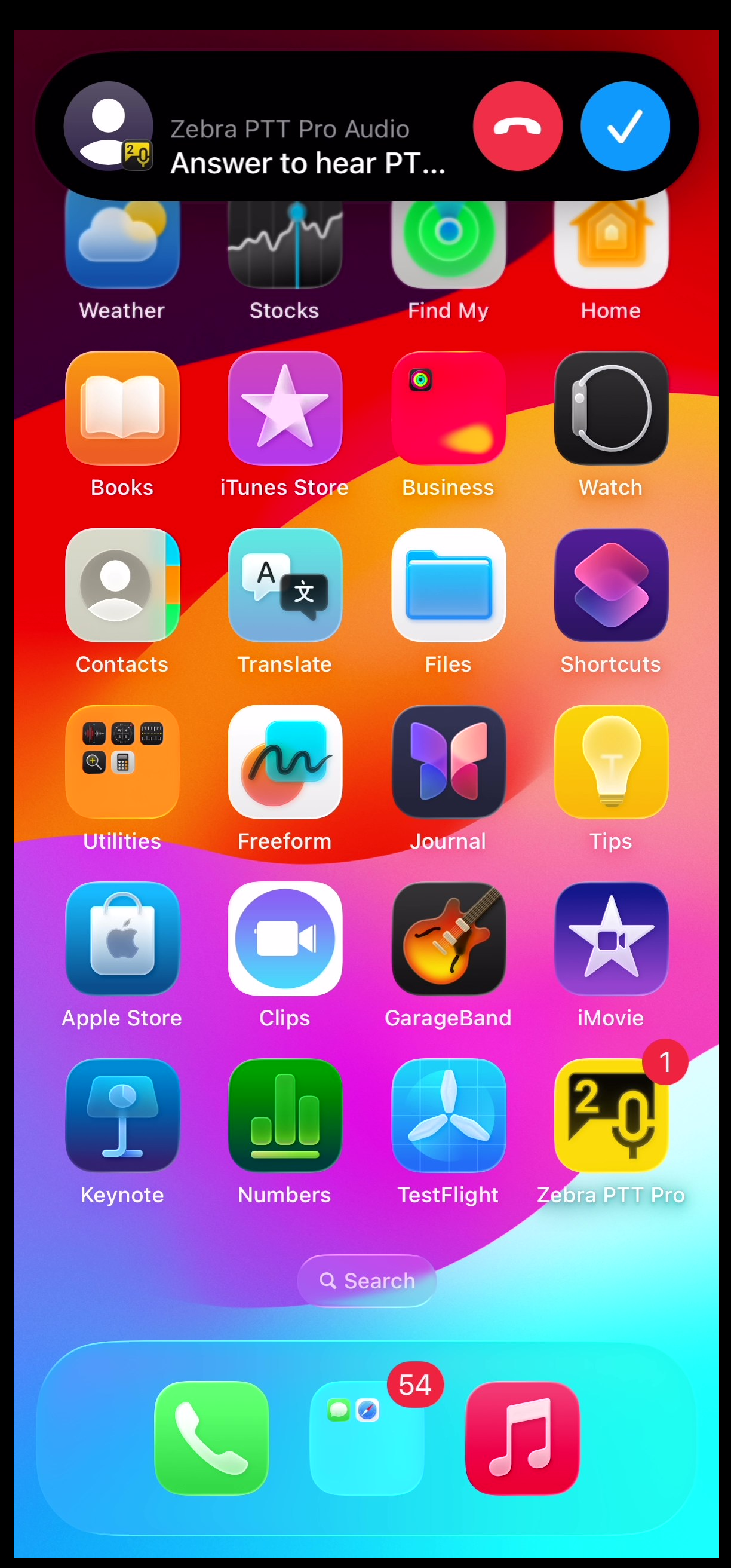
An incoming PTT call on an unlocked device displays an notification banner.
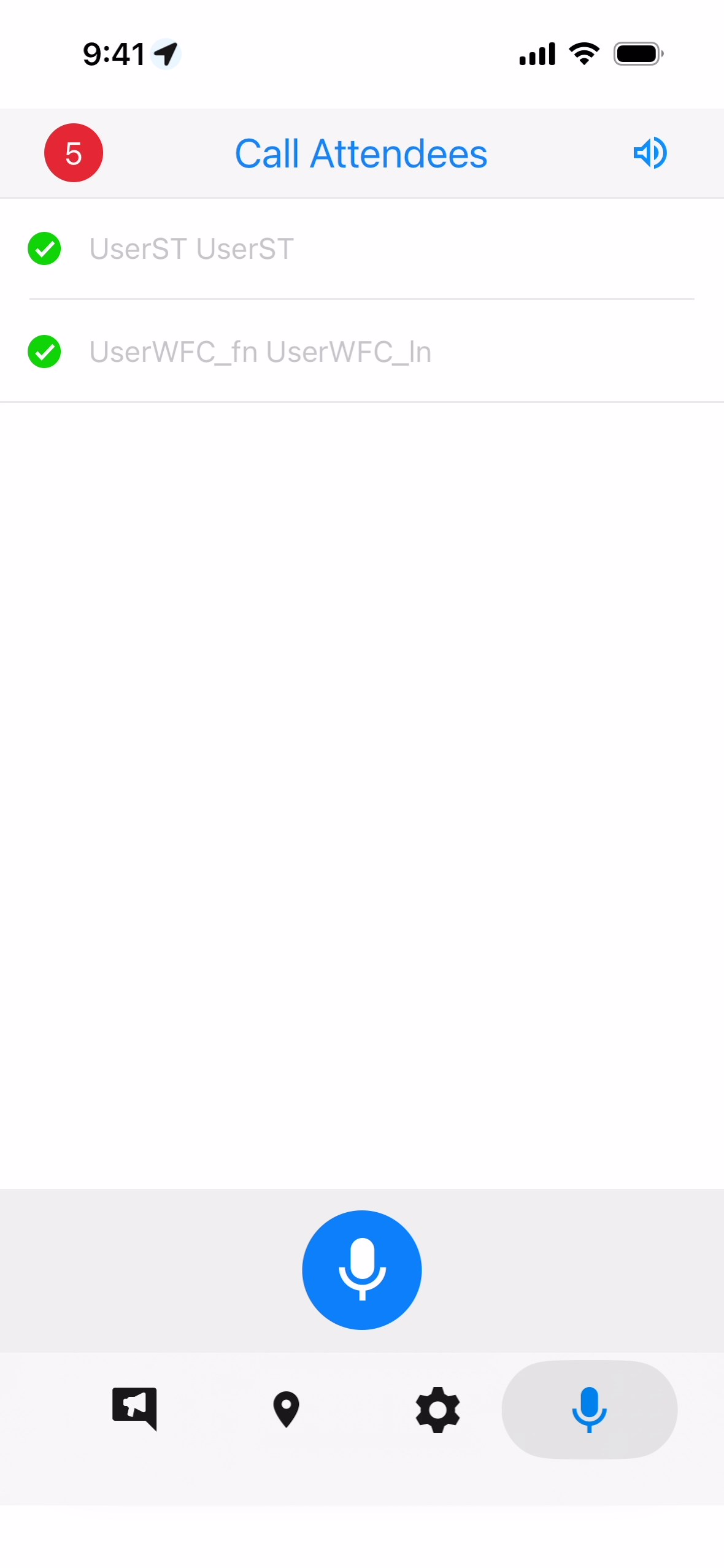
When the user accepts the call, the PTT call screen displays.
Use
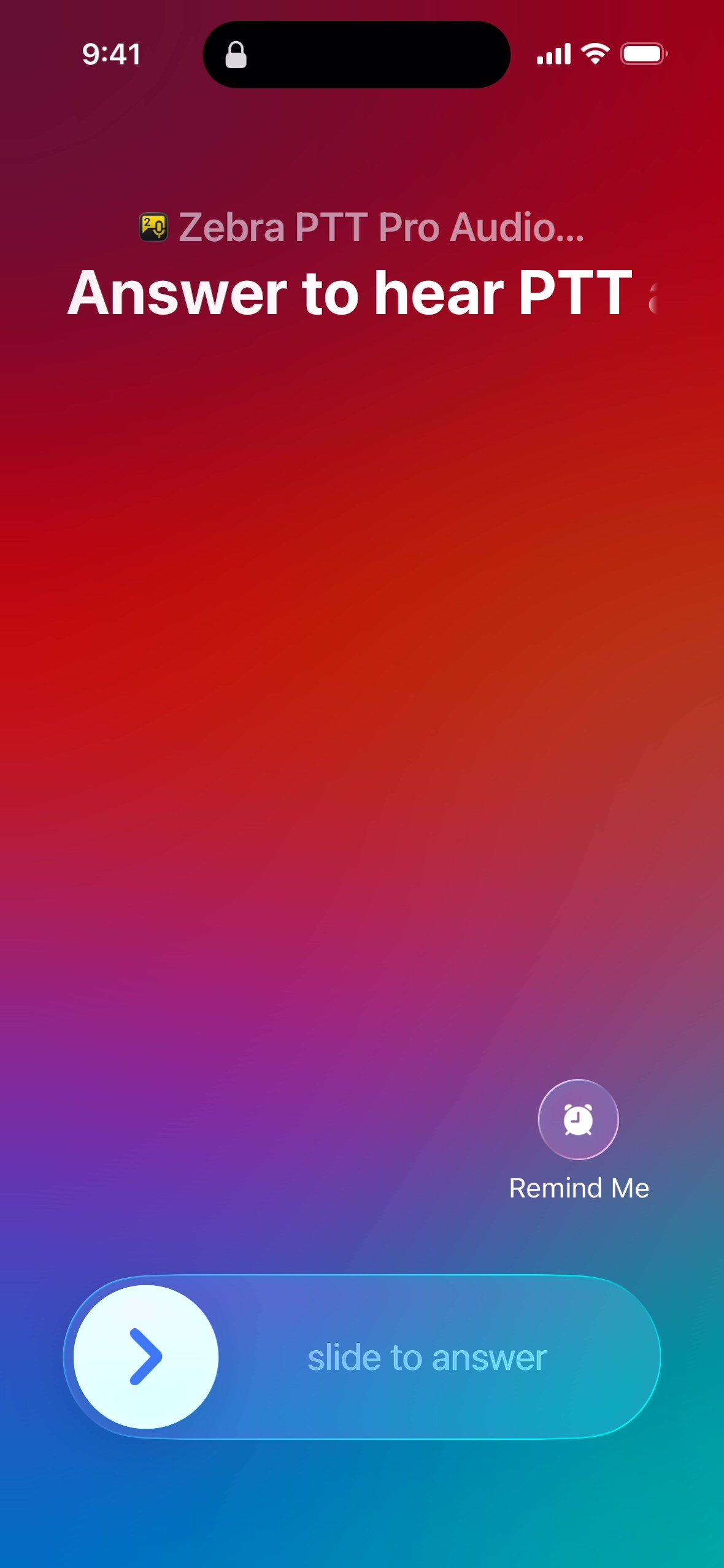
slide to answer
to accept the call.
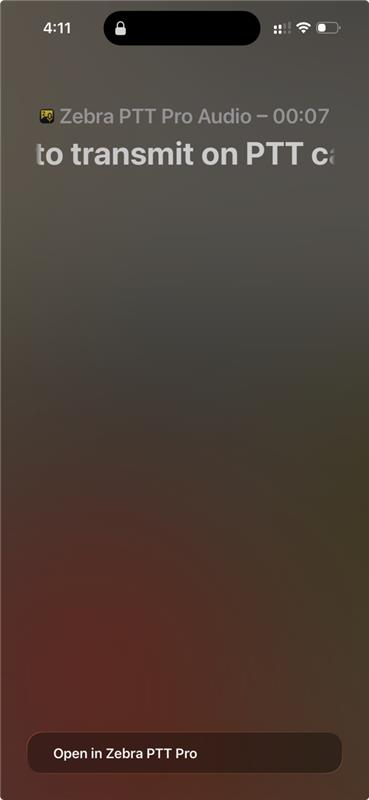
On a locked device, incoming call displays on the locked screen.
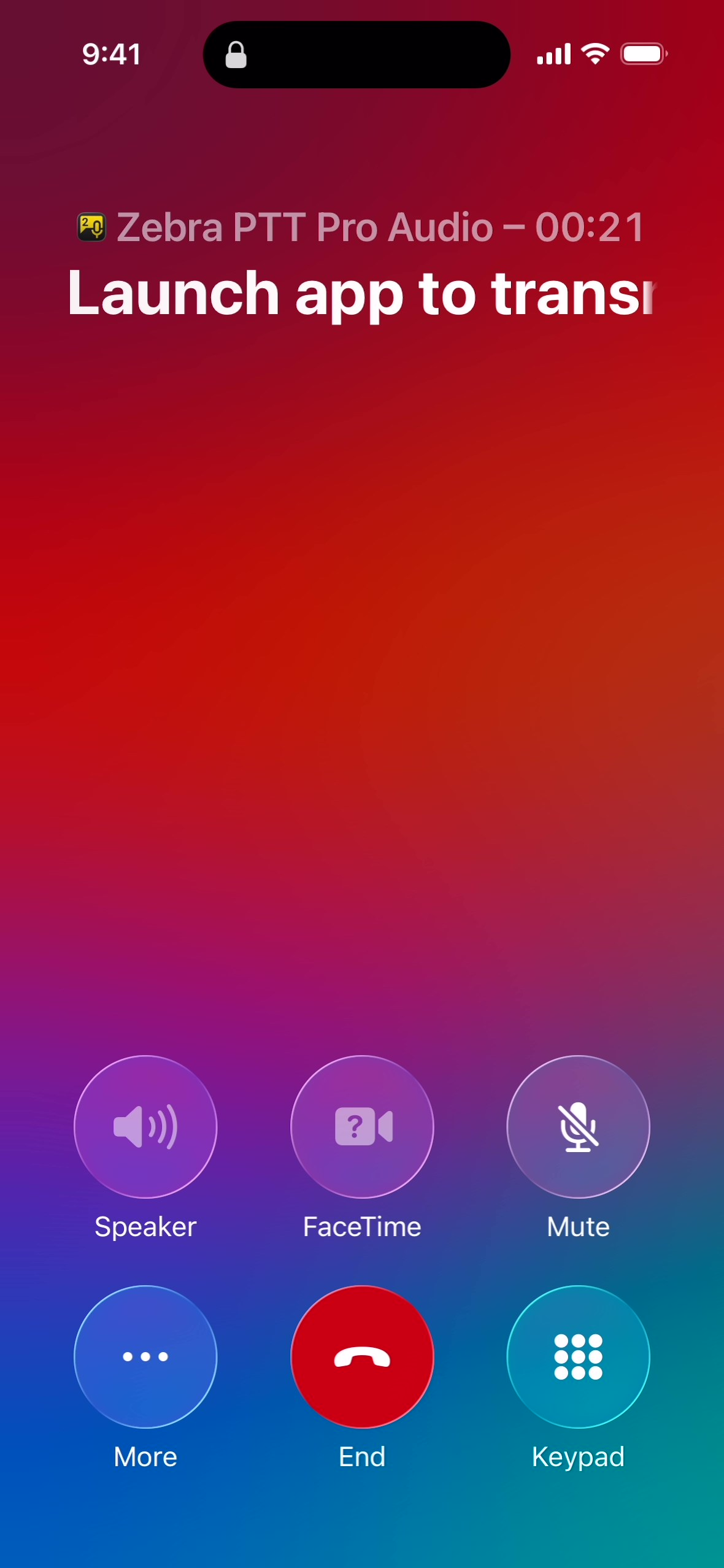
After accepting the call on the locked device, the PTT Call screen displays.
On the
PTT Call Lock
screen, touch
More
.
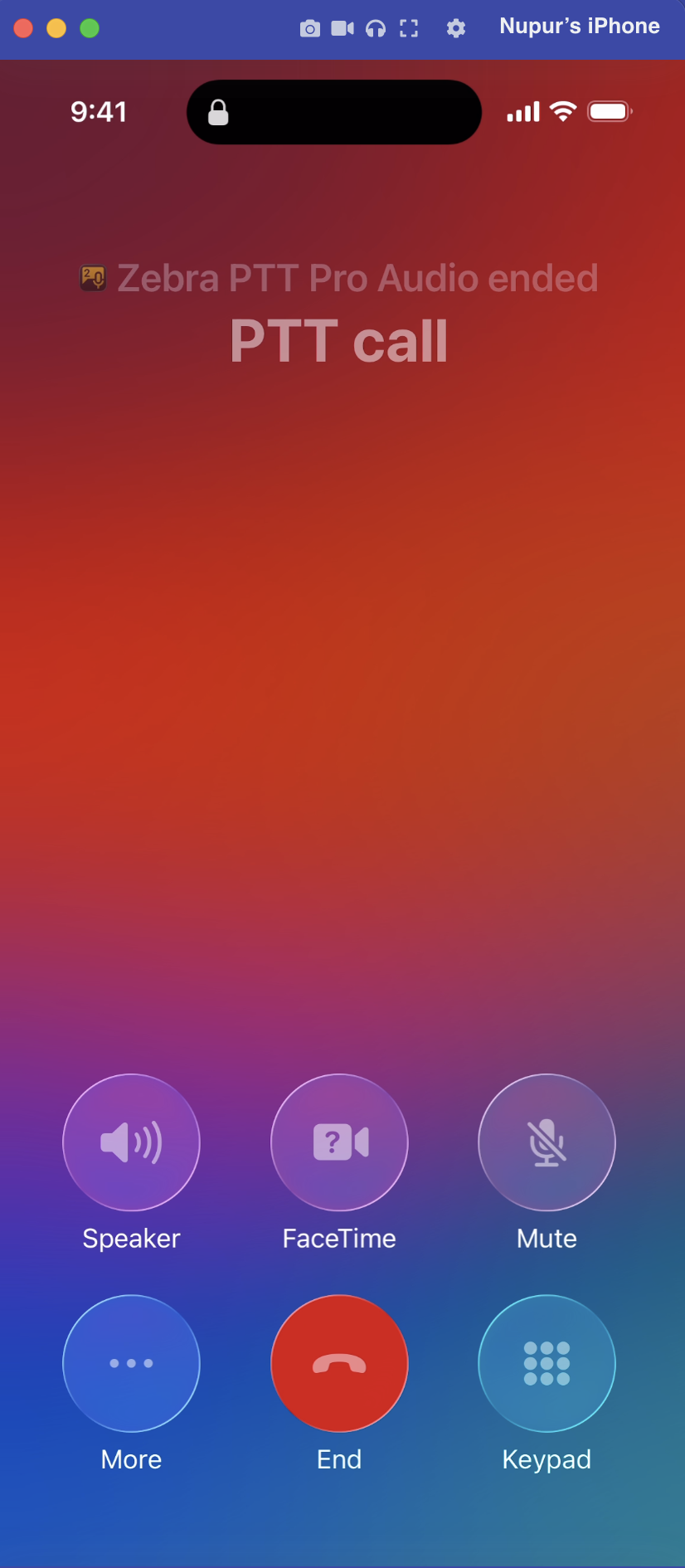
When the call ends, the screen appears as follows:
For optimal performance and stability, Zebra Technologies recommends keeping the
Bluepill
feature enabled on the PTT Pro iOS Client. Disabling this feature may lead to unexpected behavior and may prevent the application from functioning as intended.