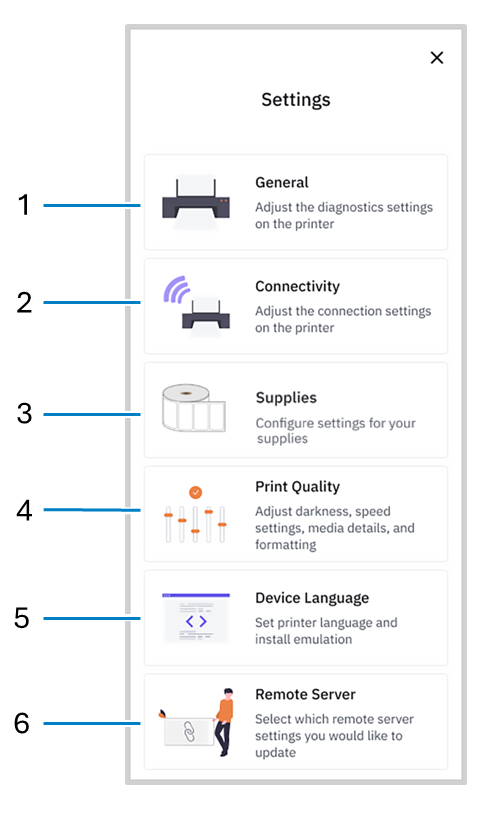
1 | General | Adjust the diagnostics settings on the printer. |
2 | Connectivity | Adjust the connection settings on the printer. |
3 | Supplies | Configure settings for your supplies. |
4 | Print Quality | Adjust darkness, speed settings, media details, and formatting. |
5 | Device Language | Set printer language install emulation. |
6 | Remote Server | Select which remote server settings you would like to update. |
