Solutions
Hardware
Software
Services
Support and Downloads
About Zebra
US Home Page
US Home Page
WS Picking User and Administration Guide
Administration Features
Logging In
WS Picking User and Administration Guide
WS Picking User and Administration Guide
About this Guide
Icon Conventions
Notational Conventions
Service Information
System Overview
System Architecture
Demonstration
Production Customization Overview
Administration Features
Running the Picking Server
Logging In
Orders
Adding Orders
Modifying Existing Orders
Products
Adding New Products
Modifying Existing Products
Users
Adding a User
Modifying Existing Users
Application Overview
Installing the WS Picking Application
Logging In Remotely
Picking an Order
Logging In
Logging In
Log in to the application using your credentials.
By default, the user name is
admin
and the password is
zebra
.
Click
Login (Local Login)
.
Enter your user name.
Enter your password.
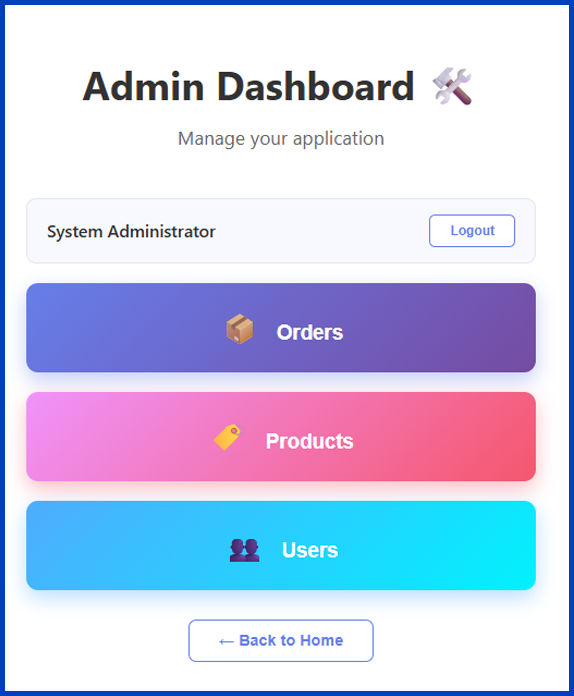
The
Admin Dashboard
displays. From here, select
Orders
,
Products
, or
Users
to begin managing the system.
Administration Features
×