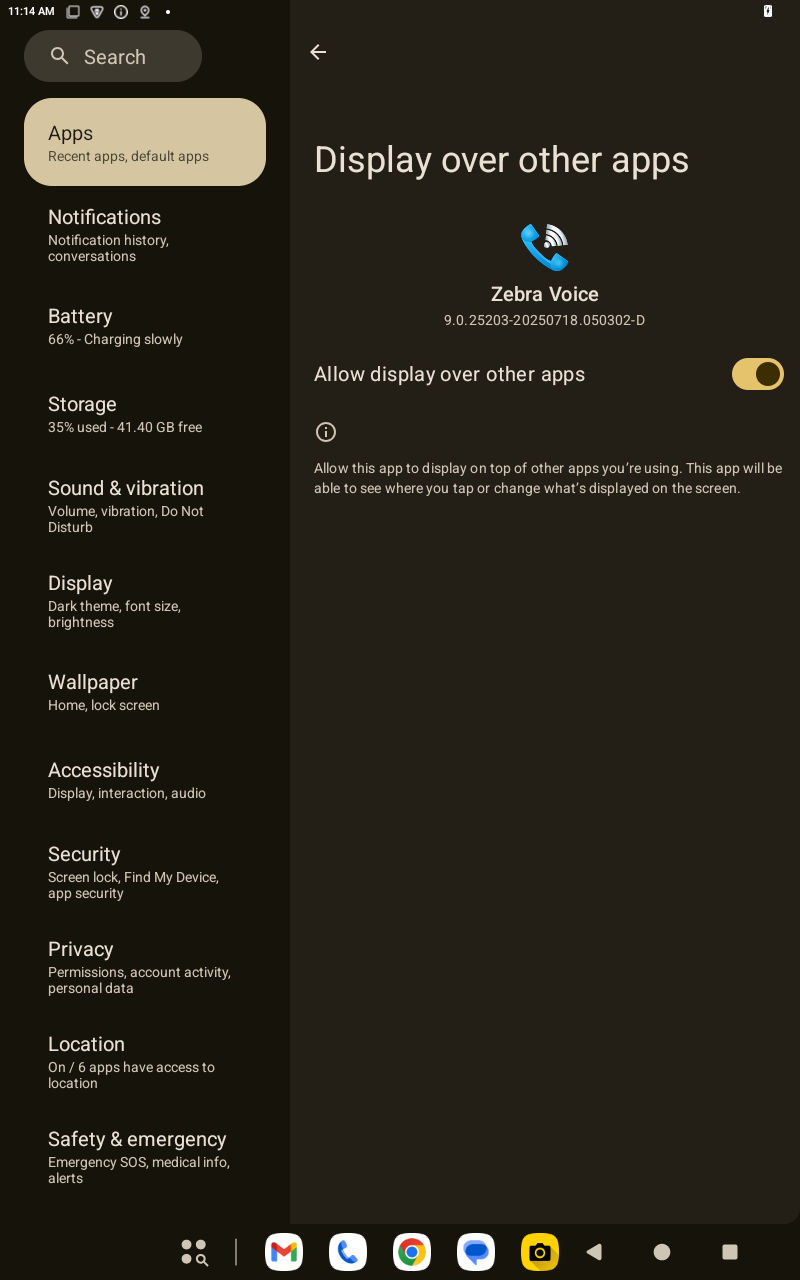
Android 15 applies additional restrictions on apps installed from Android file storage. Users must grant the Display Over App permission to enable WCC Voice Applications to function properly.
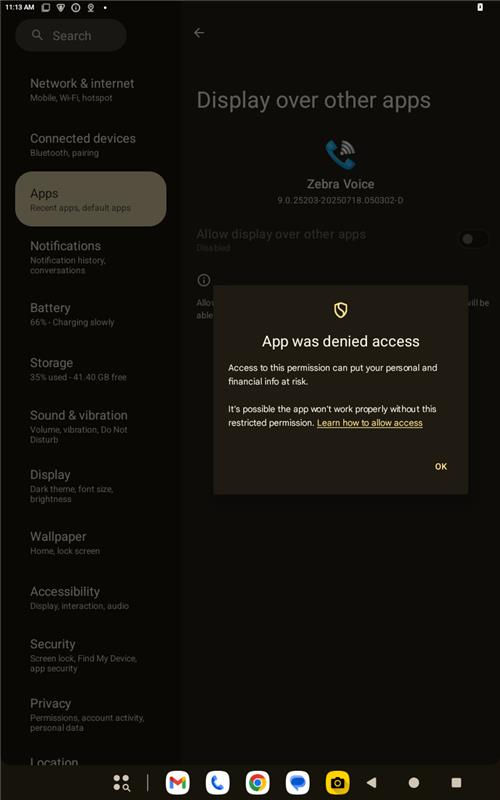
A device running Android 15 displays an error when a user tries to enable the Display over other apps.
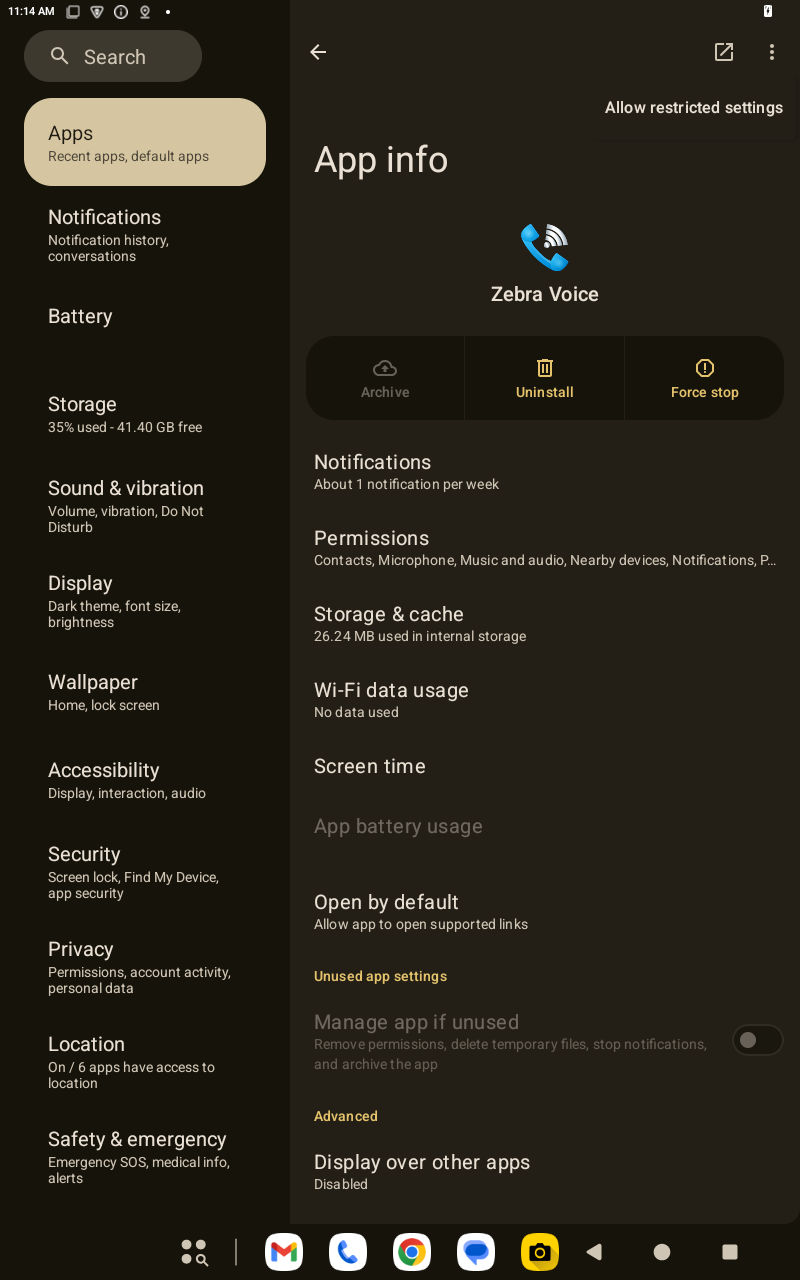
Open the
App info
, select the three dots, and allow the restricted settings.