Parameter Name | Description | Value |
|---|---|---|
change_in_call_dialpad_icon_to_hash | Changes the in-call Dialpad icon to a hash (#) symbol. | True : Changes the in-call screen Dialpad icon to a hash (#) symbol.False : Retains the default Dialpad icon on the in-call screen.Default: false |
<WFConnect>
    <Profile>
        . .
        <change_in_call_dialpad_icon_to_hash>true</change_in_call_dialpad_icon_to_hash>
        ..
    </Profile>
      ...
</WFConnect>
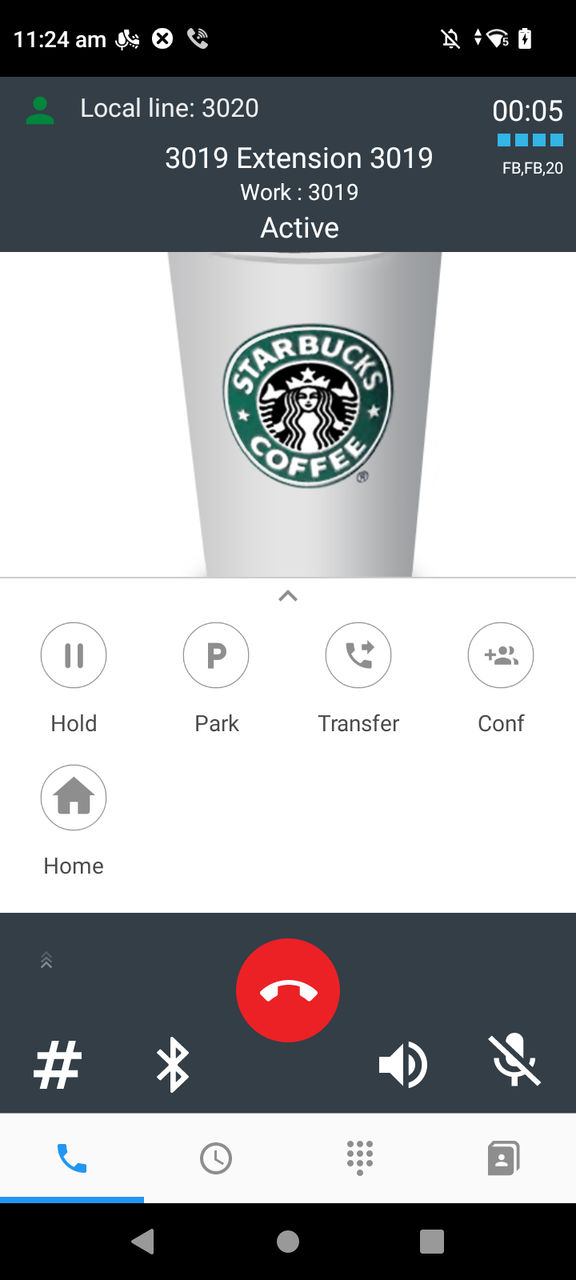
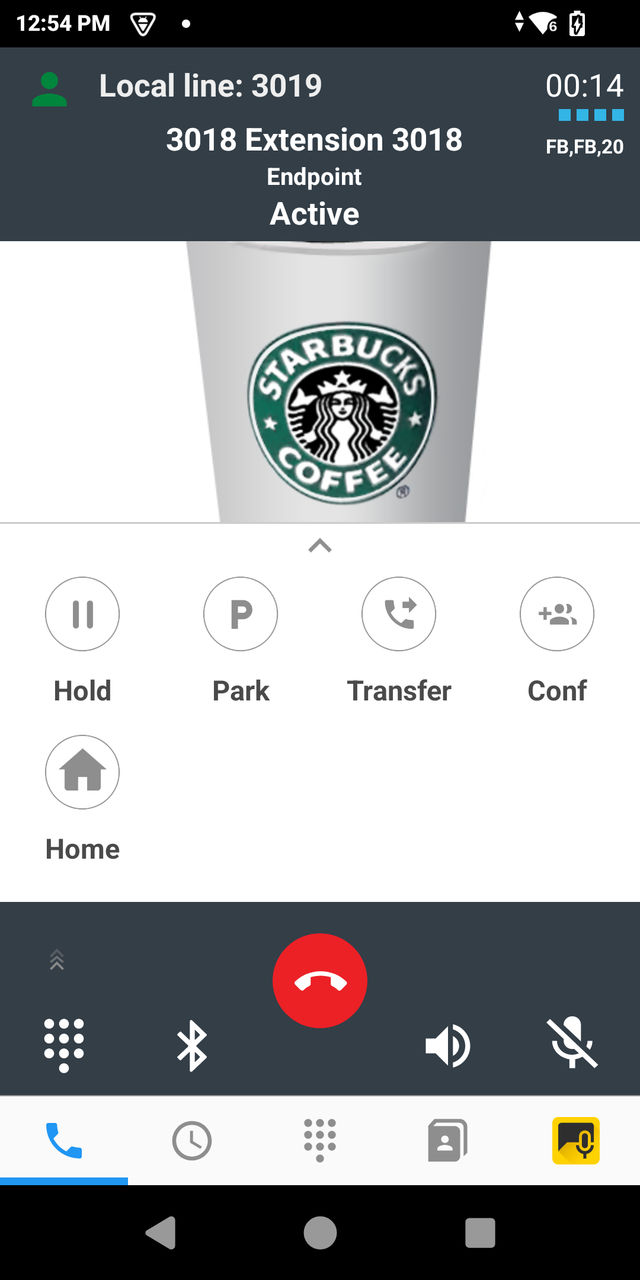
adb shell am start -a wfc.voice.ACTION_UPDATE_CONFIG --es change_in_call_dialpad_icon_to_hash true
adb shell am start -a android.intent.action.VIEW -d "wfcvp-uat://token" com.symbol.wfc.voice
