Connecting to a Host Computer

Connecting to a Host Computer

Establish a direct USB connection between the mobile computer and a host computer to facilitate file transfers, application development, and device management.
Use a direct USB connection to transfer files and data between the device and a host computer. This connection is essential for various tasks, including deploying applications using Android Debug Bridge (ADB), accessing the device's internal storage, and troubleshooting. The USB connection also simultaneously charges the device's main battery.
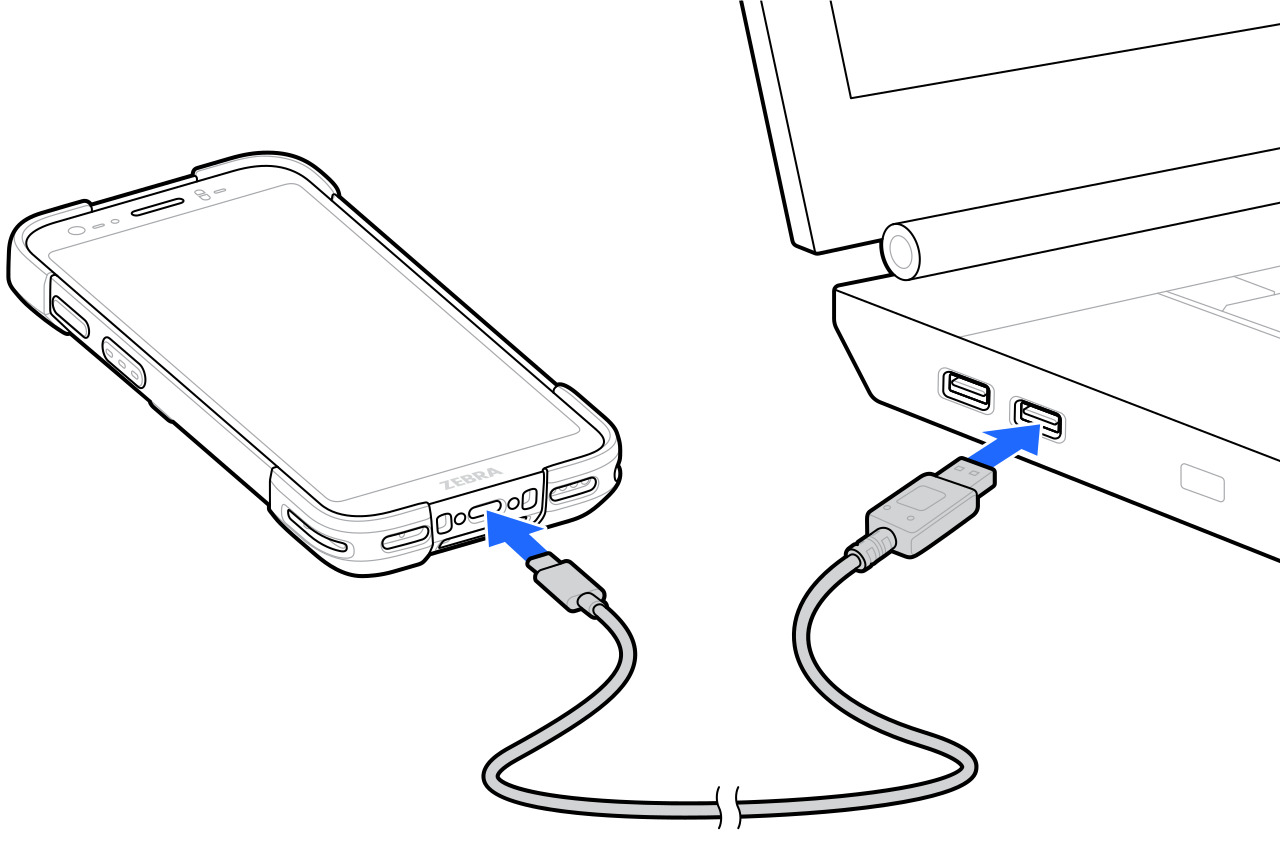
  1. Connect the Charge/USB-C Cable to the device.
  2. Connect the USB connector of the cable to a host computer.
    Image of connecting the device to a host computer.
