Applying the Role Level

Applying the Role Level

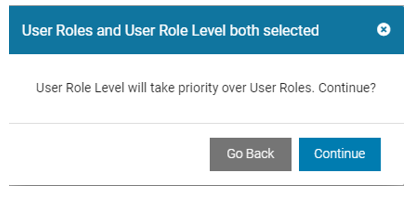
  1. Once the Role Level is established, it may be applied to a Device User.
    In this example, the user is assigned to the Role Level ‘Services’ in the User profile.
    Edit Device User
  2. In this example, the User’s Role level is set to Services, and the User Roles are set to
    nails
    ,
    screws
    , and
    wire
    .
    This conflict is resolved at login in the Role Level assignment process. If there is a Role Level defined in addition to specified Roles, the specified Role Level will override the individual Roles. (Normally, if a Role Level is specified, then User Roles would be left blank.)
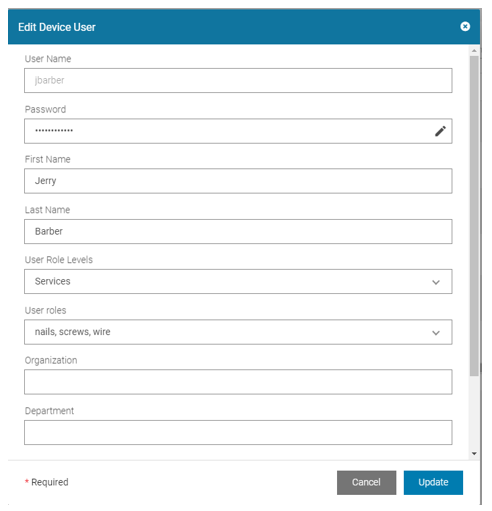
    User Roles and User Role Level Both Selected Dialog
    In this case, Services are assigned and the user is prompted for carryout and heavy lift when the sign-in occurs.
    Successful Role Level Applied in Device User Summary Screen