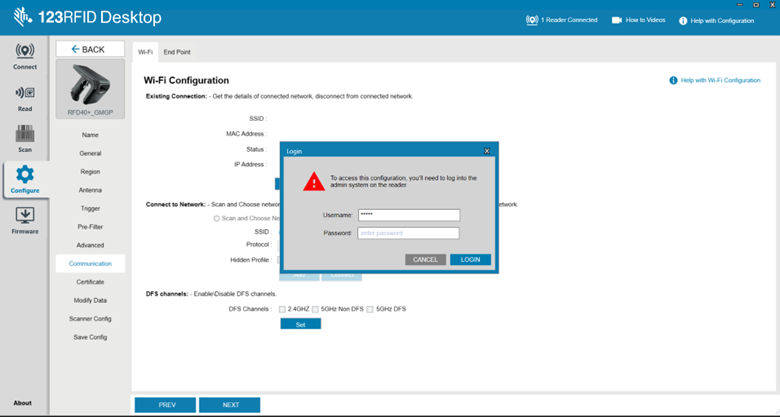
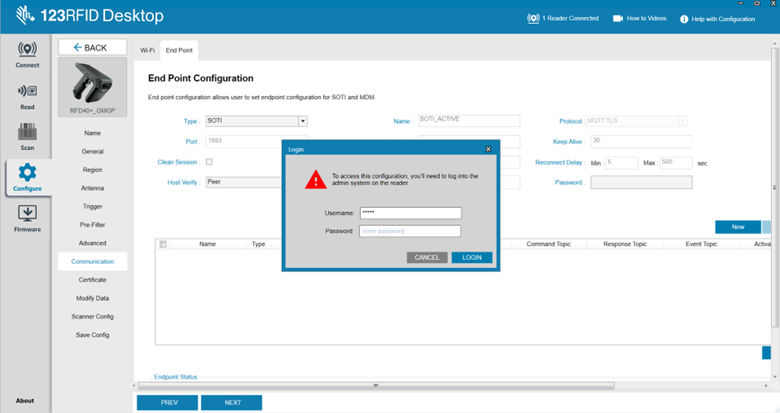
If the user tries to access the protected parameters, then RFD40 sled reports an authorization error. In the 123RFID application, the authorization password prompt will be displayed as shown below.
To view wi-fi status
To view configured endpoints
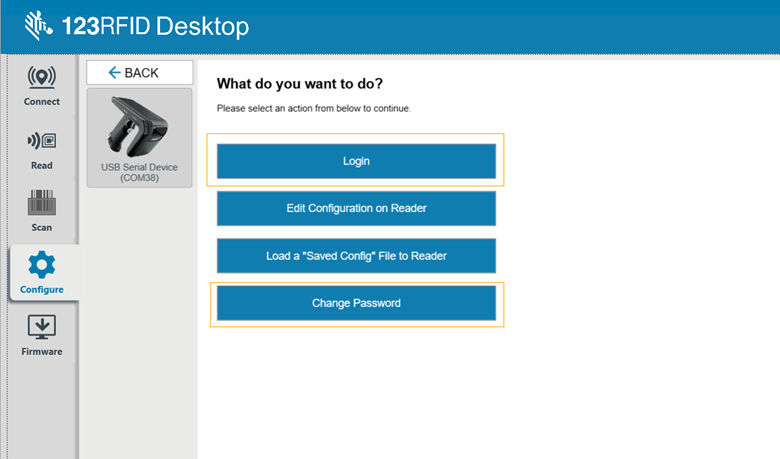
Users can enter the authorization password when they have an authorization password prompt, or can log in directly using the login option, as shown below.