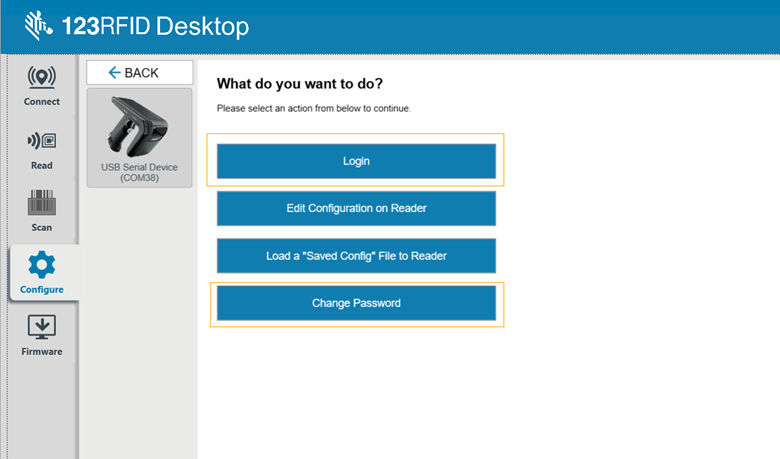
Users can connect to the sled and perform basic operations, such as setting the region, performing inventory, scanning operations, and more. Without authorization, a password is required to view or modify sensitive security & network assets authorization.
By default, the authorization password is set to “
zebraRfid@1111
”, which needs to be changed before accessing any of the listed protected parameters. The user can utilize the Change Password option to change the default password.
After changing the password, the user can use the Login option for authorization.