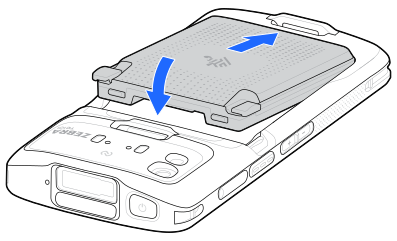
User modification of the device, particularly in the battery well, such as labels, asset tags, engravings, and stickers, may compromise the intended performance of the device or accessories. Performance levels such as sealing (Ingress Protection (IP)), impact performance (drop and tumble), functionality, and temperature resistance could be affected. DO NOT put any labels, asset tags, engravings, or stickers in the battery well.