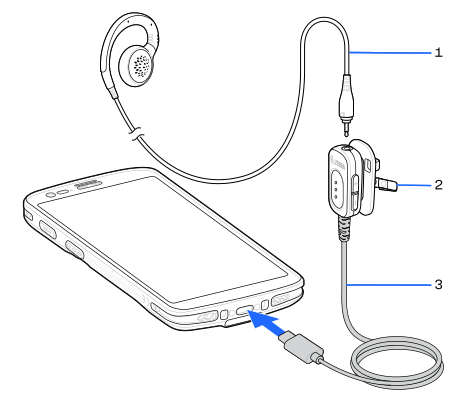
The 3.5 mm Audio Adapter connects a wired headset with a collared or standard non-collared 3.5 mm plug.
If using the 3.5 mm Audio Adapter with a mono headset (for example, HS2100), then audio only plays in the left channel. To combine the channels when playing audio, go to
Settings
>
Accessibility
and select
Mono audio
.
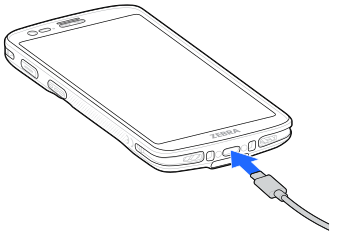
Connect the USB-C plug of the 3.5 mm Audio Adapter to the USB connector on the bottom of the device.
Connect the 3.5 mm connector plug of the headset into the 3.5 mm Audio Adapter.