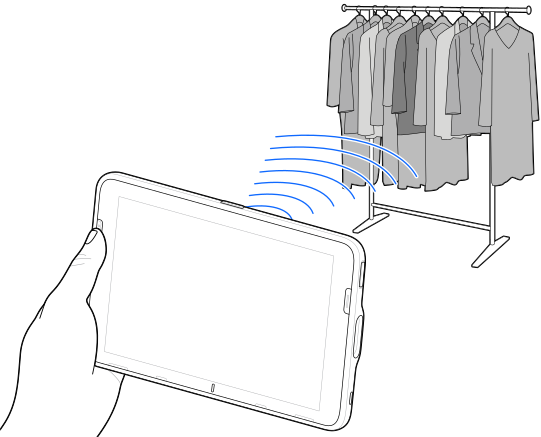
The RFID reader uses the device's capabilities to communicate with RFID tags in an open environment. By emitting radio waves, the reader can detect, read, or write data to the tags within its range.
The RFID reader features a built-in encoder/reader, plus:
RFID tag maximum read range of 1.2 m (4 ft).
RFID read speed of 90 tags per second.
RFID is disabled (default) and enabled/disabled via RFID SDK APIs.
RFID and WWAN can co-exist.
Using the 123RFID app
The 123RFID app demonstrates the device's functionality to read RFID tags.
When opening the 123RFID app for the first time, it automatically connects to your device. Follow the prompts to complete regulatory requirements.