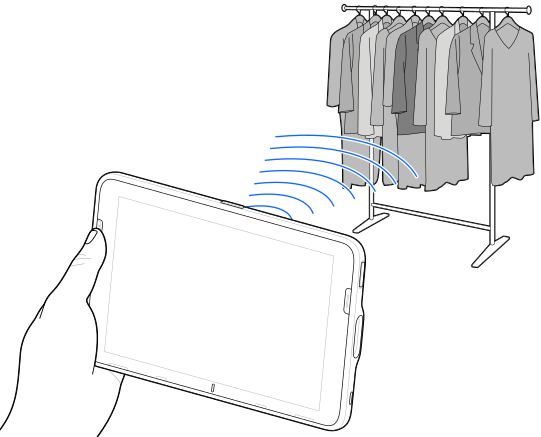
's integrated RFID reader capabilities to detect, read, or write data to RFID tags within range in an open environment.
Open the
123RFID Mobile
app on your device.
When you open the app for the first time, it automatically connects to your device. Follow the on-screen prompts to complete the regulatory requirements.
Navigate to the
RFID
tab.
Start tag reading from either the
Rapid
(Read) or
Inventory
screen.
Access additional support documentation for advanced configurations.